Your film is finished. Turning it into a software project can feel like the next compulsory step, especially when every streaming service seems to have its own app. For an individual release, the more useful question is simpler: can the person who wants to watch your film pay, find it again and enjoy it on their chosen screen?
This guide is about that delivery decision. It is not a promise that a web page replaces every television app, or that uploading a feature will bring an audience. Our direct film sales guide covers the separate job of reaching people who care about the film.
Do you need an OTT app to sell a film?
No. A branded app is one route to the viewer, not a requirement for taking a payment online. With a web release, the viewer follows a link to the offer and uses the service's supported viewing journey. With a branded app, there is also an app to find, install and maintain on supported devices.
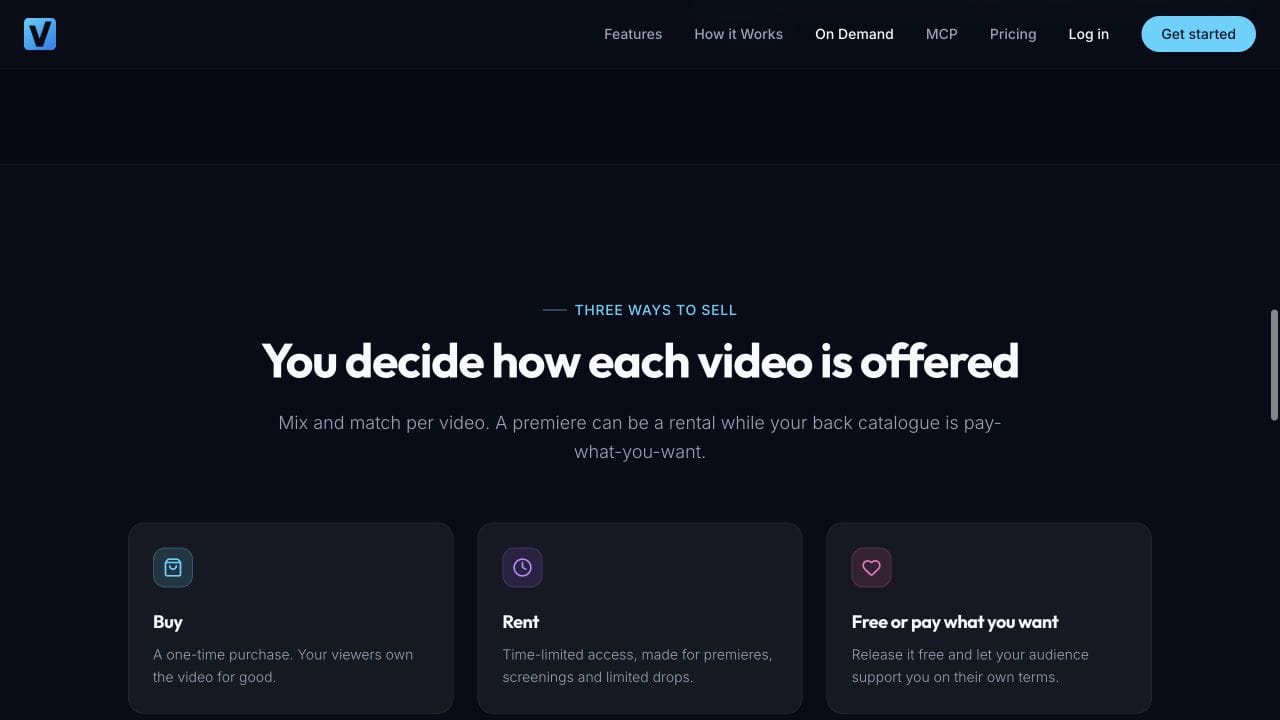
Do not confuse the device interface with the selling model. Individual rentals, purchases and recurring subscriptions describe what someone pays for. A website or app describes where they interact with it. Choosing a browser route does not, by itself, decide which business model you must use.
Vimeo's current branded app documentation places those apps in its OTT Enterprise offering. That is useful context if you are comparing an app project with a single film release. It does not mean that every Vimeo OTT customer needs a branded app. Our Vidreno and Vimeo OTT comparison covers the wider choice.
What does the simplest complete release need?
Think of four connected jobs: show the offer, take payment, grant access and provide a way back to the film. A trailer page alone only does the first. A payment button beside an unprotected video link does not establish that access is restricted to buyers.
| Part of the journey | What the viewer needs | What to check before launch |
|---|---|---|
| Film page | A clear title, trailer, runtime, price and viewing terms | Someone unfamiliar with the film can explain what they would receive |
| Payment | A readable checkout and an understandable result | The service handles successful, failed and interrupted attempts clearly |
| Access | A route to the correct full film after payment | The buyer can watch and someone without access cannot simply use the same public page to watch the paid film |
| Return visit | A reliable way to find their purchase or rental again | Follow the actual receipt or account route on a later visit |
| Help | A contact route when something goes wrong | You can respond without asking viewers to post private payment information publicly |
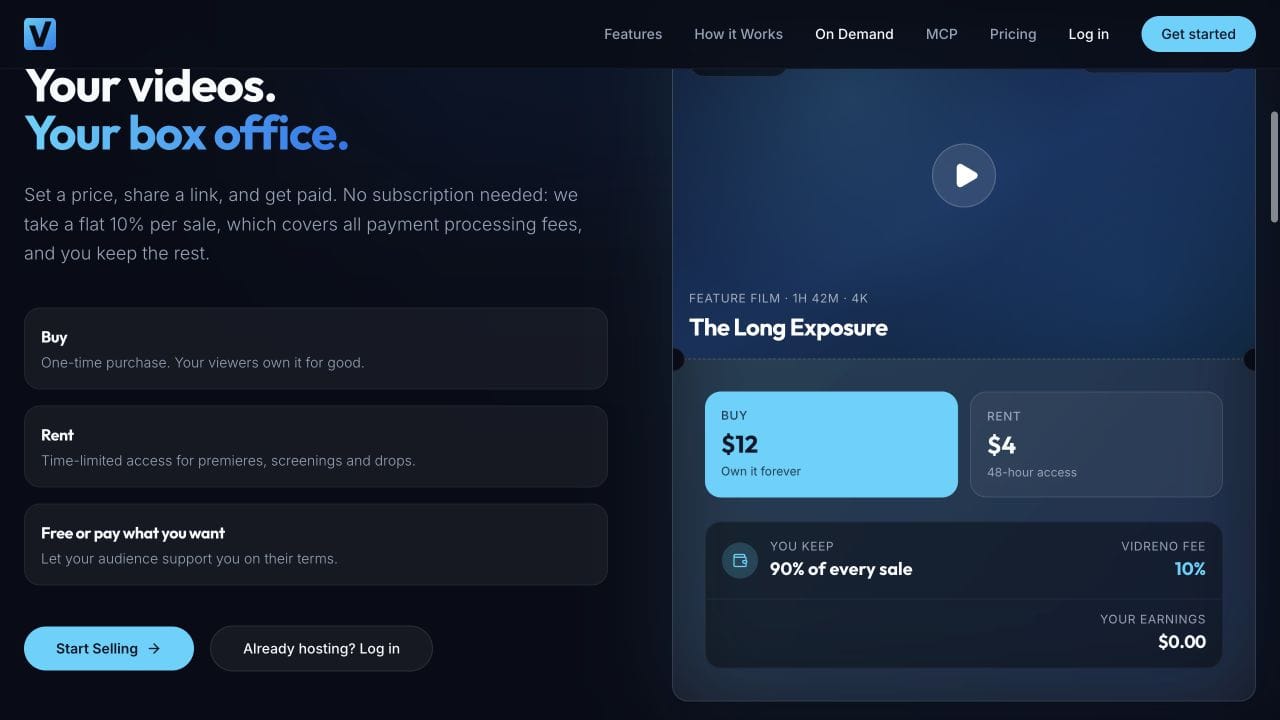
Vidreno On Demand provides public pages for film purchases and rentals. It is the relevant Vidreno service for this release. Vidreno Hosting is separate: it delivers videos inside customers' websites and apps, rather than acting as the public film shop.
What should you promise about watching?
Write the viewing promise before designing your launch announcement. A useful draft might read: “Rent our 96 minute documentary, watch through the supported browser journey, and keep access for the stated rental period.” Replace that with the exact access rules and supported devices you have confirmed. The runtime here is just an example.
Avoid “watch anywhere” unless you can substantiate it. A working laptop browser does not prove support for a smart TV browser, AirPlay, Chromecast, offline downloads or every phone. Even two televisions in the same household can offer different viewing routes.
For each important device, record the model, browser or app, operating system, date and result. Check the full paid version, not just the trailer. If captions, alternate audio or a download are in the offer, confirm they work on the version and device the buyer will use.
How do you rehearse a feature length viewing session?
A ten second preview tells you very little about an evening's viewing. Prepare a small rehearsal with someone who did not build the release page. Give them the public link and ask them to follow the instructions they can see, without coaching them through missing steps.
- Check the offer while signed out on a phone and laptop. Can they find the runtime, price, language and access period?
- Use a documented test purchase if the service provides one. Otherwise arrange an authorised real purchase and account for the charge.
- Confirm that the correct film becomes available through the actual buyer route. Keep receipts and private access links out of public screenshots.
- Play the opening, seek to a later scene and check picture, sound and any advertised captions. Then complete a full viewing check before launch.
- Leave and return through the route a buyer is given. Check what happens after signing out and signing back in.
- For a rental, confirm what starts the clock, when access ends and how those terms appear to the viewer.
Use this as your release checklist. Keep a simple pass or fail record and fix the failed promise before announcing the release. If a weekend event is the plan, use our rental premiere guide for the separate timing questions.
What does a release without an app cost?
You can avoid commissioning your own app, but you still need to account for the selling service and the work around the release. Artwork, captions and promotion do not disappear because the checkout is ready for you.
| Item | Published fee or illustration |
|---|---|
| Required platform subscription | None |
| Selling fee | Flat 10% per sale, including payment processing |
| Illustrative $8 rental | $0.80 fee; $7.20 left after that fee |
| Illustrative 50 rentals at $8 | $400 gross sales; $40 fee; $360 left after that fee |
The figures illustrate the published On Demand offer. They are not a forecast or profit calculation. Other applicable costs and adjustments still matter. Having no required subscription keeps one recurring platform cost out of a release whose sales are not yet known. For choosing the actual price, use our rental and purchase pricing worksheet.
When would a branded app be worth considering?
Consider it when there is a specific viewing problem or a repeat audience need that the web route cannot meet. Perhaps your viewers expect a supported TV app, or your catalogue has become something they return to every week. Those are requirements to evaluate, not reasons to order an app just because you have finished one film.
Write down the unmet need, the devices involved, the service's confirmed support and the total cost. Then compare that with what your present release actually requires. A small release with a clear browser journey may be ready sooner without a separate app project. A business built around a particular television experience may need a different solution from the outset.
What still needs your attention after choosing the platform?
You still own the preparation around the release: the correct film version, accurate artwork and credits, clear viewing terms, and a route for audience questions. Confirm that your planned release fits your existing agreements and festival commitments before making it public.
Film Courage's interview with filmmaker Josh Folan offers useful context on self distribution. It is a discussion of the work around releasing a film, not a Vidreno tutorial or evidence of current platform prices.
If the film already has buyers elsewhere, treat their access as a separate job. Our Vimeo On Demand migration guide helps with that planning. Do not assume moving a file transfers an existing purchase.
Frequently asked questions
Do I need my own website as well?
Not to use a public selling page supplied by a film platform. Your own website can still introduce the film and link to that page. Keep one clear destination for the actual offer.
Does selling through a browser mean giving away a download?
No. Streaming access and downloadable files are different offers. Check the service's actual controls and tell viewers which one they receive. Do not promise an offline copy unless you provide one.
Can I use a public trailer and keep the feature paid?
Yes, as a release approach. Keep the trailer and full film clearly labelled and confirm the paid film's access settings before sharing the public page. A trailer is an invitation to the offer, not proof that the buyer journey works.
Will a film page work on every television?
Do not assume that. Confirm the precise device and viewing method. A browser release does not automatically include a branded TV app or a particular casting feature.
Can I move to an app later?
You can evaluate an app later, but continuity is not automatic. Ask how existing purchases, rentals and accounts would be handled before promising a seamless move. Keep that future decision separate from what you sell today.
What should I do first with one finished feature?
Write a short viewing promise, prepare one film page and rehearse the buyer journey on your priority devices. If public purchases or rentals are what you need, explore Vidreno On Demand and start with that single release.