
Quick answer
To run a 48 hour rental premiere online, first decide what the 48 hours measures: the weekend when people can rent, each viewer's access after payment, or their time to finish after pressing play. Confirm that your platform supports the exact promise, publish clear dates and viewing terms, then rehearse the buyer journey before announcing the release.
A premiere doesn't have to mean everyone sitting down at the same minute. A weekend release gives your audience a shared occasion while leaving room for work, family and different time zones. The important part is making the deadline understandable.
Here is a practical release plan for an independent film. It covers the event, the audience and the handover after closing time. It is not a walkthrough of app settings.
What does a 48 hour premiere actually mean?
There are three different clocks you might be describing. Write down which one applies before putting “48 hours only” on the poster.
| The clock | The promise to the viewer | What you must confirm |
|---|---|---|
| The release window | New rentals are available between two fixed dates and times. | Whether closing sales also changes access for existing renters. |
| Access after payment | Each renter has 48 hours from their transaction. | What starts the clock and how expiry is displayed. |
| Access after first play | Each renter has 48 hours after starting the film. | Whether there is a separate deadline to begin watching. |
Those models can produce very different Sunday evenings. Someone who rents five minutes before sales close may still expect time to watch. Your announcement needs to explain what happens to that person.
For a concrete example of why the distinction matters, Eventive documents separate availability, unlock and watch windows. Its watch window can continue after availability ends when a viewer has already started. That is Eventive's stated behaviour, not a rule that automatically applies to every platform.
Vidreno's public On Demand page illustrates a rental with 48 hour access. That illustration does not specify every detail about when the clock begins, scheduled sales closure or the treatment of existing renters. Confirm those details for your release before advertising a fixed deadline.
How do you plan a weekend without confusing viewers?
Choose one reference time zone, then write the date, time and zone together wherever the deadline appears. Avoid “Sunday midnight”, which can mean different things to different people.
For example, a proposed release could open at 18:00 UTC on Friday 9 October 2026 and stop accepting new rentals at 18:00 UTC on Sunday 11 October 2026. That is a 48 hour sales window. It says nothing by itself about how long an existing renter can keep watching.
Use wording like this only after confirming the access behaviour:
Rent the film between 18:00 UTC on Friday 9 October and 18:00 UTC on Sunday 11 October. Your viewing period begins [at payment or first play] and lasts [confirmed duration]. [Explain any deadline to begin watching and whether access continues after sales close.]
Replace every bracket before using the message. If your service cannot support the promised window, change the offer before taking payment. A clear rental launch is better than a countdown you cannot reliably honour.
What should be ready before you announce the premiere?
Prepare one public page that answers the questions a new viewer will have. It needs the film title, a short synopsis, runtime, trailer, price, viewing terms, available languages and a contact route for help. Link every announcement to that page so you have one place to keep the details current.
Use your actual film artwork and trailer. Check that the trailer helps someone understand the subject and tone, rather than relying on festival laurels or a familiar name to do all the explaining. If captions or a particular device experience are part of your offer, verify them on the version viewers will receive.
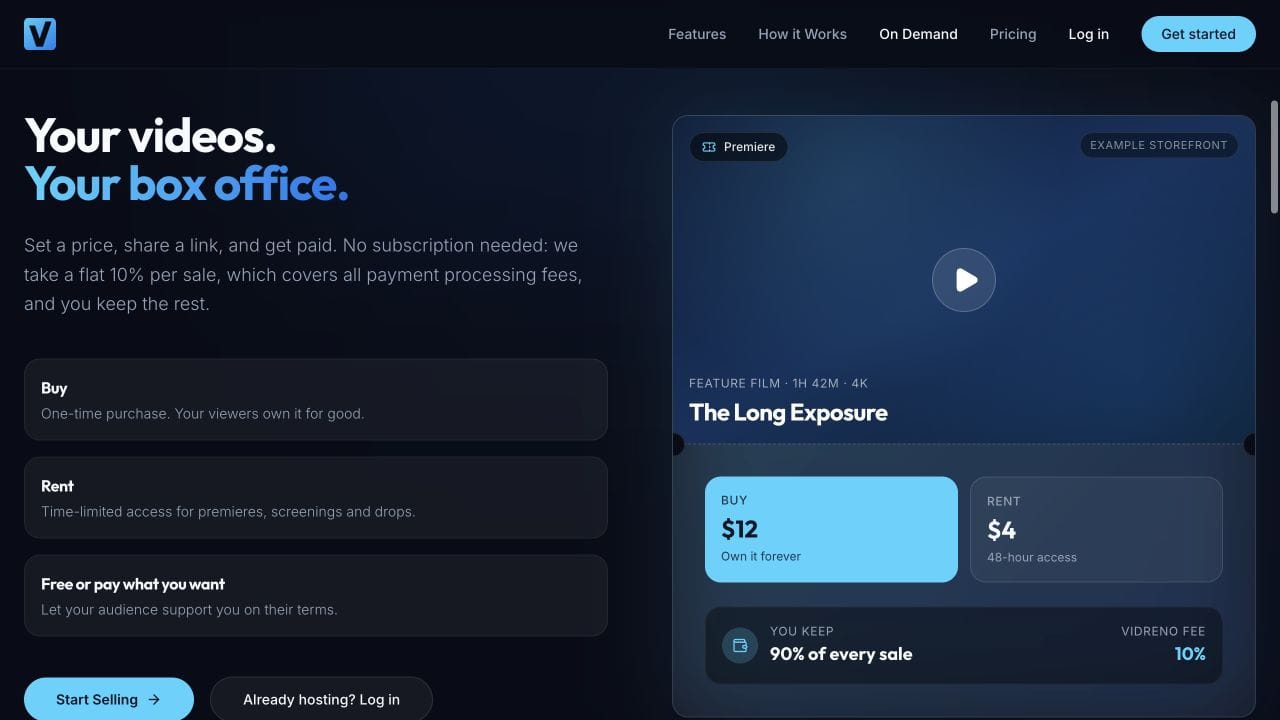
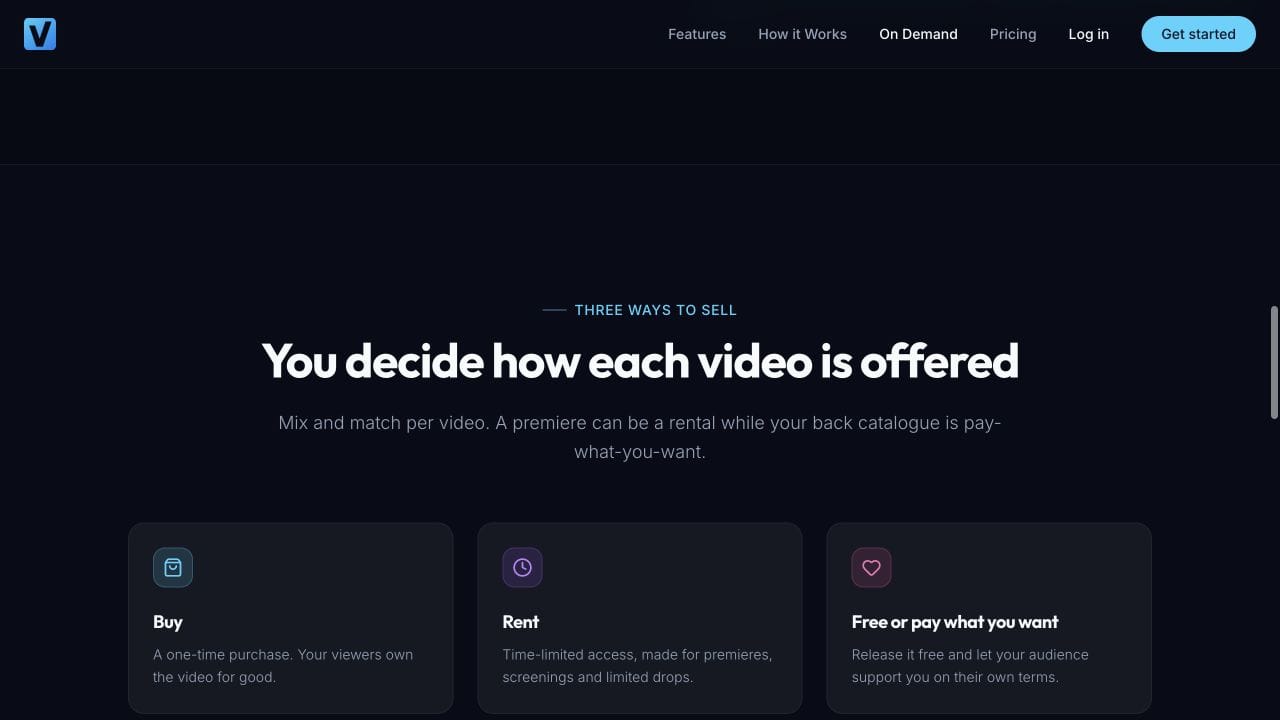
Vidreno On Demand gives films public purchase and rental pages. It is separate from Vidreno Hosting, which delivers videos embedded on customers' websites and apps. For a paid film release, look at the On Demand offering.
Already moving from another service? Our Vimeo On Demand migration overview covers that separate preparation. Keep migration work out of your final launch day if you can.
How should you budget for the premiere?
Pick a rental price you can explain, then account for the selling fee and your release costs. You do not need a new price for every announcement. If you are still choosing the number, use our film rental and purchase pricing worksheet.
| Item | Published fee or example |
|---|---|
| Required subscription | None |
| Selling fee | Flat 10% per sale, payment processing included |
| Illustrative $5 rental | $0.50 selling fee; $4.50 left after that fee |
The amount left after the selling fee is not profit. Allow for your artwork, captions, promotion and any other applicable costs or adjustments. These figures illustrate the published fee; they do not forecast ticket sales.
Starting without a subscription makes it easier to prepare a first release without adding a recurring platform bill. If you need to compare selling models before choosing, our Vidreno and Vimeo OTT comparison explains the options.
What should you do during the week before launch?
| When | The useful job |
|---|---|
| One week before | Finish the film page, confirm the access rules and prepare the trailer announcement. |
| Two days before | Rehearse the viewer journey, check the deadline wording and assign someone to answer questions. |
| At opening | Check that the real page is available, then share the link with the audience you have prepared. |
| During the weekend | Answer access questions and share useful context about the film rather than repeating the same sales message. |
| Before closing | Send a clear final reminder through the channels your audience expects, including the precise deadline. |
| After closing | Check that new sales follow the promised rules while existing renters keep the access they were sold. |
This is a suggested working schedule, not a promise that a week's promotion will fill your premiere. Start with people and communities who have a reason to care about the film. A specific invitation is more useful than a broad announcement with no obvious audience.
Give a named person responsibility for support during the release. Keep a short response ready for the common questions: where to watch, when access expires and whom to contact if payment or playback goes wrong.
Can you add a shared opening moment?
Yes. A short introduction or trailer can give people a reason to gather before they watch the paid film in their own time. Keep the invitation clear about which part is public and which part requires a rental.
YouTube's official video below explains its Premiere format. You could use that format for a public trailer or introduction. It does not create a paid rental window for your film. YouTube's current guide also explains that a Premiere remains as a regular upload afterwards, so it should not be confused with an expiring rental.
Watch the official YouTube Premieres introduction if the embedded video does not load. Use the current written guide for available features, since the video is an introduction to the format.
What must the final rehearsal cover?
Review the public film page while signed out, on a phone and a laptop. Check that the price and terms are readable, the trailer is the correct version and the help link goes somewhere you will monitor.
Where the platform provides a documented test checkout, use it to check the path from payment to access. Otherwise arrange a controlled real purchase only when you are ready for a charge. An upload preview does not prove the buyer can reach the film.
Pay special attention to the end of the event. Ask how a late rental is treated and whether closing sales preserves existing access. Do not use deletion as a shortcut for closing the box office. You need the result to match the promise, not just make the title disappear.
What happens after the premiere weekend?
Decide in advance whether the film will return as a normal rental, become available to buy or remain unavailable until a later release. Tell viewers what you can confirm without inventing a permanent last chance.
Review the number of relevant page visits, rentals, receipts and support questions you can actually measure. Look for friction as well as sales. If several people misunderstood the deadline, that is a useful improvement for the next release even when the film sold well.
Frequently asked questions
Does every viewer have to start at the same time?
No. A rental premiere can let people choose their own viewing time within the confirmed rules. A simultaneous broadcast is a different format and needs a different promise.
Does 48 hours start when someone pays?
It depends on the service and configuration. It may begin at payment or first play, with a separate deadline to start. Check the actual behaviour and explain it beside the price.
Can someone rent just before the premiere closes?
That depends on when sales close and how existing access is handled. Confirm the late renter scenario before launch, then state whether their viewing period can continue after the release window ends.
Do I need a live question and answer session?
No. Only add one if it serves the audience and you can run it reliably. A recorded introduction or a clear written note can give the film context without creating another event to manage.
Should I extend the deadline if sales are slow?
Avoid using a supposedly final deadline as a recurring sales device. If a real problem requires a change, explain what changed and make sure earlier renters are treated consistently with the access they were promised.
Can I offer the film to buy after the premiere?
You can plan a later purchase offer if your release arrangements and platform support it. Explain the new offer clearly and preserve any access already sold during the rental premiere.
Start with one film, one understandable offer and a rehearsal you can finish before announcing the date. Explore Vidreno On Demand and confirm your viewing terms before inviting the audience in.